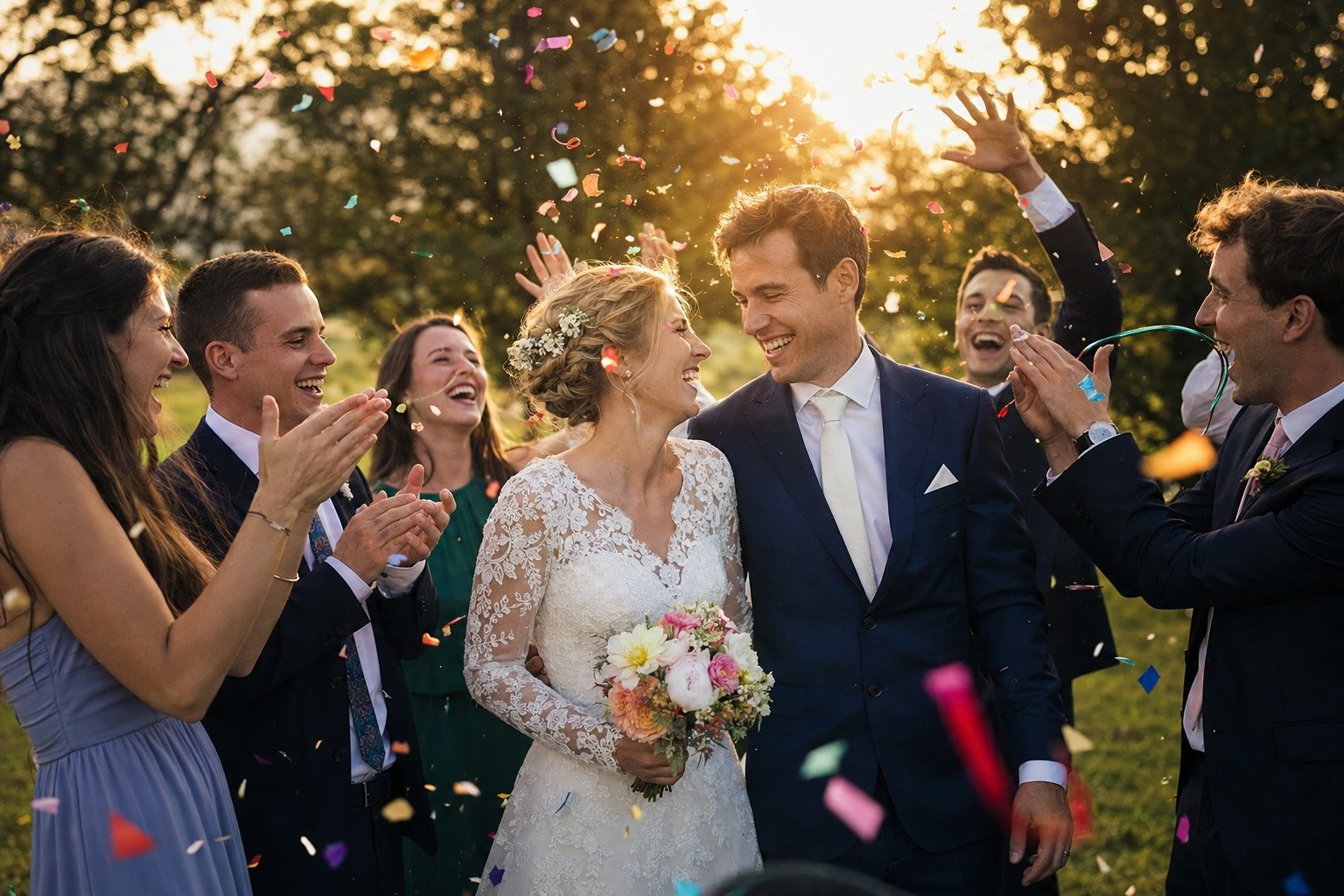
At the reception
The camera you used to leave on every table.
Guests scan a QR code, say who they are once, and get a fixed number of shots for the whole wedding — real film looks, their own phone, every frame in your gallery the moment it's taken.
Before you start
Easy to try. Clear who's behind it.
Before you hand your wedding invitation to anyone, it's fair to want to know who you're dealing with. Here are the facts, and you can check every one of them.
A registered Indonesian company
PT. Wedivo Digital Solution in Purwokerto. Business number (NIB) 0810240004861, registered with Komdigi as an electronic system operator.
See the full company detailsPayments through Xendit
A payment provider licensed by Bank Indonesia. Pay by QRIS, bank transfer, e-wallet or card, and your payment details never reach us.
Pay once, no subscription
One plan covers one wedding. If money leaves your account but the plan never switches on, you get all of it back.
Read the refund policyLook first, sign up later
Every design opens on your phone without an account, and the full invitation is free: RSVP, wishes, gallery, map and music.
Browse the designs
Still unsure?
Ask us first, about a design, a plan, or paying.
Disposable Camera
How it works
The table camera, without the developing
A disposable camera on every guest's phone — each shot reaches you the moment it's taken.
One roll per person, not per phone
The roll belongs to a phone number, so switching devices never refills it.
Real film, not a filter menu
Seven film stocks and six effects — what they frame is exactly what's saved.
Everything arrives in one place
Every shot lands in your gallery, labelled with who took it.
Disposable Camera
Everything it does
- Opens from a QR code — no app, no sign-in
- A limited roll, counted down on screen
- Front or back camera, tap to focus
- Self-timer at 3, 5 or 10 seconds
- Photos come out upright however the phone was held
- Guests look back through their roll and save any shot
- Seven film stocks, swiped through in the viewfinder
- Film grain, light leaks, vignette and colour fringing
- A date stamp and a polaroid border
- Fresh light leaks on every single frame
- Switch the whole look off for plain photos
- What you frame is exactly what gets saved
- Guests identify themselves with one phone number
- Matched against your guest list automatically
- Plus-ones and vendors can join by name — or not, your call
- One roll per number, not per phone or per browser
- Your own welcome line on the first screen
- Give any guest a fresh roll at any time
- Every shot appears the moment it's taken
- Labelled with the guest who took it
- Filter the gallery down to one photographer
- Face-matched into your wedding photo gallery
- Shots per guest, anywhere from 1 to 100
- A printable poster and a downloadable QR code
Included in An add-on — include it in your plan to switch it on.
See pricingHand every guest a roll of film.
Print one poster, put it on the tables, and the cameras take care of themselves.